How to download Pinterest videos, images and GIFs with Pinpea
Aug 29, 2026
VMPL
New Delhi [India], August 29: Pinterest has a save button, and it does not do what most people assume. Saving pins a reference to your board while the media itself stays on Pinterest's servers, which is fine right up until the account that posted it disappears and takes the file with it. Getting an actual copy onto your own device is a separate operation, and the platform provides no route to it.
That is the gap a browser-based Pinterest video download closes. What follows covers the process itself, the formats you get back, and the points where it stops working.
Why use a Pinterest downloader like Pinpea
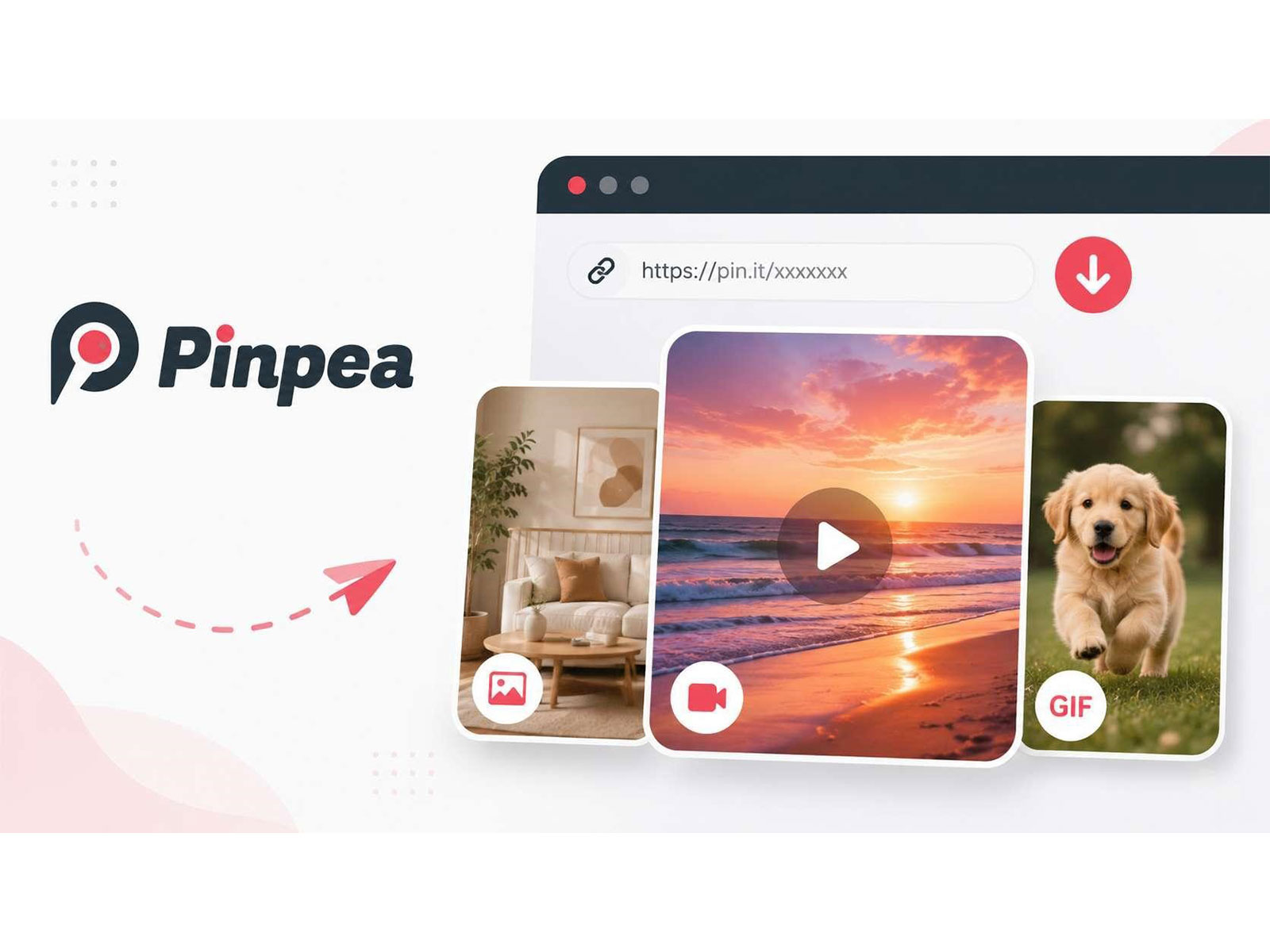
A Pinterest downloader takes the address you paste, finds the media file the post was built from, and gives you that file. Pinpea does this in a browser tab. There is nothing to install and no account to set up, and it behaves the same on a phone as it does on a computer.
This is not specific to Pinterest. SSSTikTok does the same job for TikTok posts, so the process described below applies there as well.
There are two reasons to bother. A file saved to your own device stays there regardless of what happens to the original post. And the quality holds up, which it does not with the usual alternatives: screenshots and screen recordings compress the picture, crop the edges, and often catch parts of the interface along with it.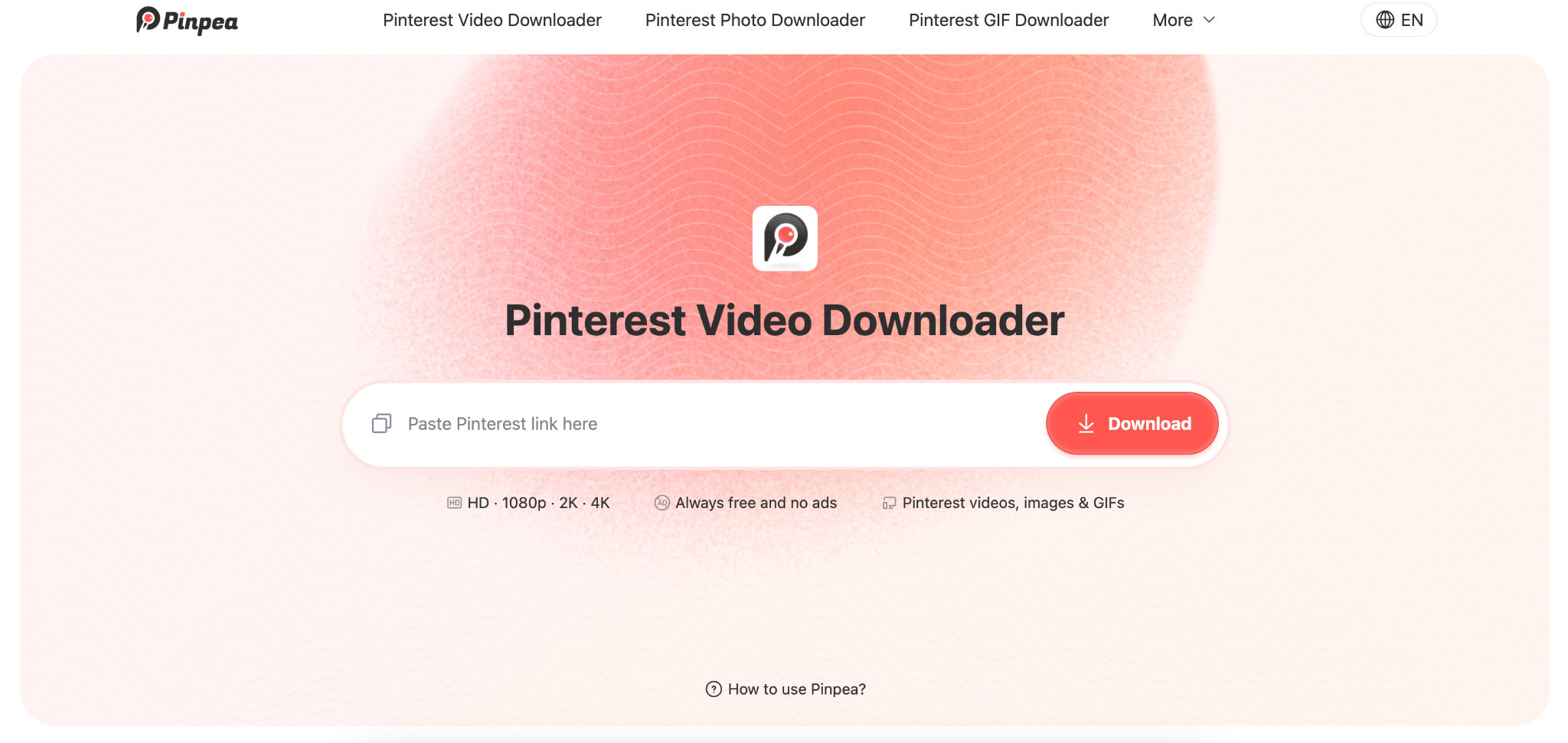
Pinpea Pinterest downloader
A few specifics about Pinpea itself:
* Standard Pins, Idea Pins, boards Pins, multi share Pins, profile Pins and Story Pins are all read from the same input box
* Files come back at the size and in the format they were uploaded in
* No account, email address or sign-in at any point
* No daily limit and no cap on how many Pins you save
* No pop-ups, no watermarks, and nothing bundled with the file
* Runs in any browser on Android, iPhone, Windows, Mac and Linux
The last few points matter more than they look. A Pinterest downloader that quietly compresses your files, or stops working after ten of them, wastes more time than it saves.
How to download a Pinterest video, images and GIFs in 3 steps
1. Get the Pin address. In the mobile app it comes from the share arrow; in a browser it is already sitting in the address bar.
2. Open pinpea.com and paste it into the input box. The page reads the post and works out what it contains. 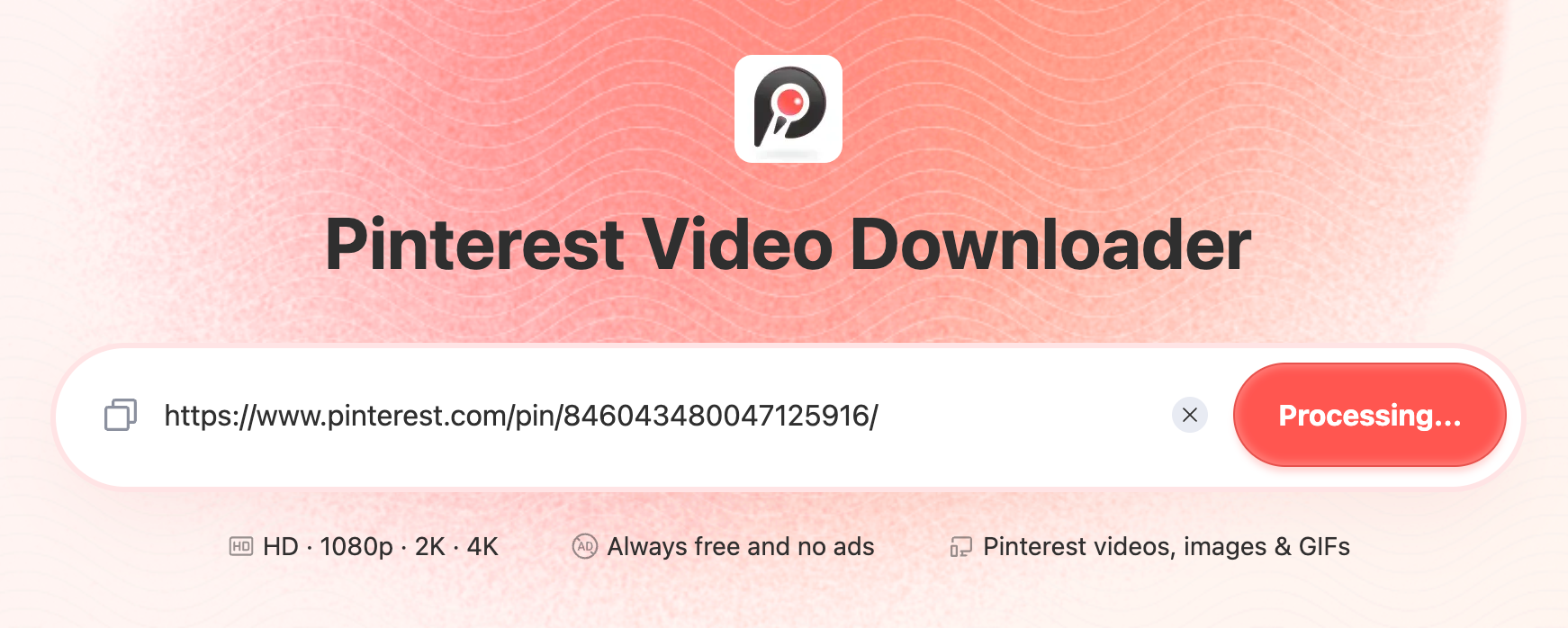
3. Pick the format you want from what it offers, then save. 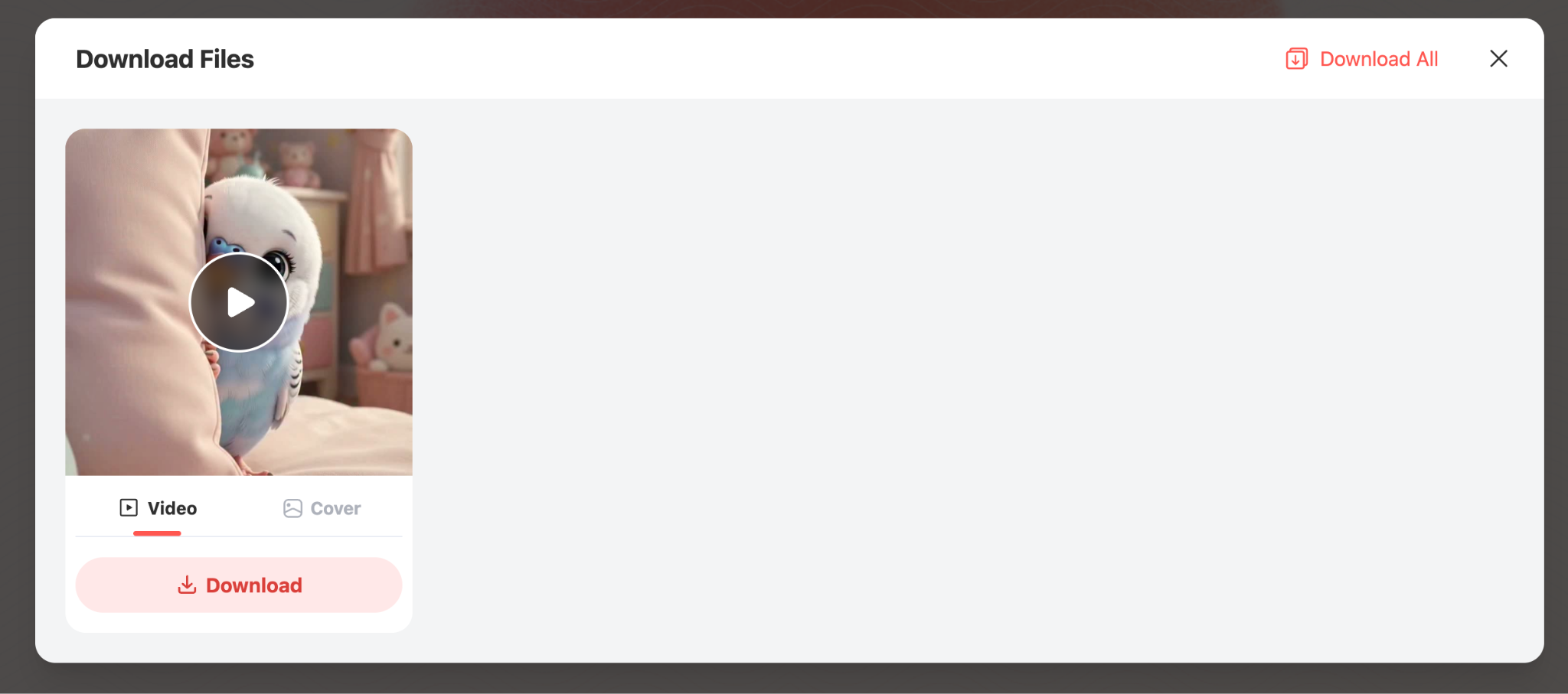
Where the file ends up depends on the device, following whatever rule it already uses for downloads. Note that these three steps are identical whether the Pin holds video, a still or an animation, because the format decision comes at the end rather than the start.
Pinterest download formats: MP4, JPG/PNG/WebP and GIF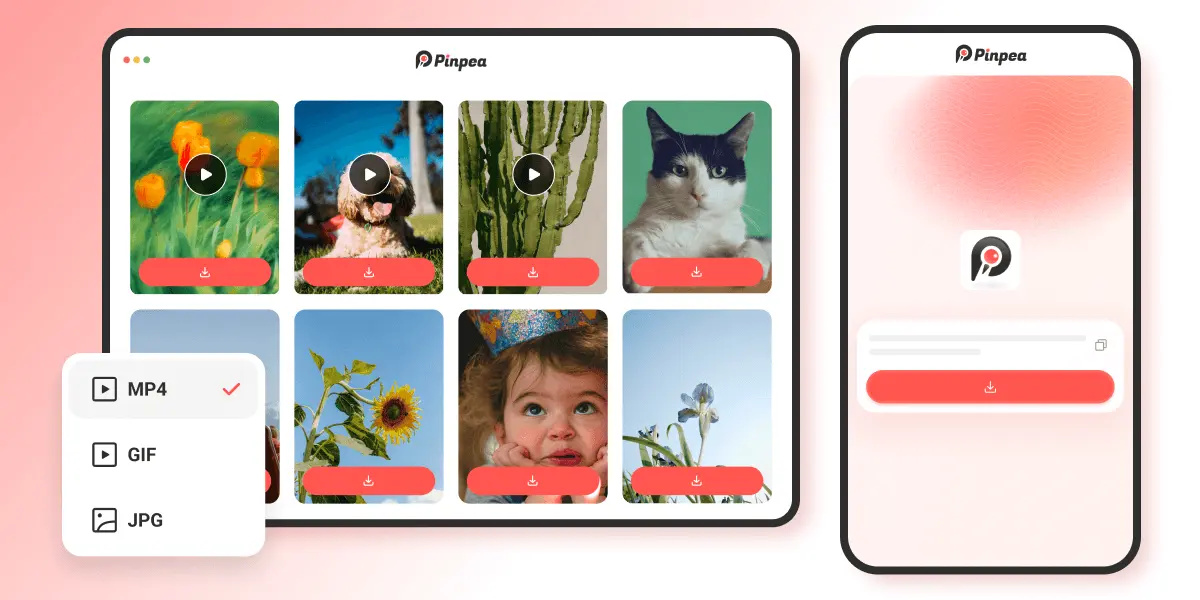
Downloading Pinterest videos as MP4
Video returns as MP4 at the resolution it was uploaded in. A clip published at 1080p downloads at 1080p, and nothing is re-encoded in transit, so what you open is the file the creator uploaded rather than a copy of a copy. MP4 plays natively on every phone, laptop and media player without conversion.
Downloading Pinterest images as JPG, PNG, or WebP
A Pinterest image download comes back in whatever format Pinterest stores it in, usually JPG, sometimes PNG or WebP, at the resolution Pinterest has on file. Pinpea doesn't convert or re-encode anything. A PNG with a transparent background comes back with that background still transparent, where a screenshot would flatten it onto whatever happened to sit behind it on screen.
Resolution goes the same way. A screenshot is limited to the pixel dimensions of your display, so a large image is captured at whatever your screen could show and no more. Detail that mattered, small text on an infographic, stitch lines on a garment, the repeat in a pattern, survives the download and does not survive the screenshot.
Downloading animated Pins as GIF
Animation is returned in its own format instead of being flattened into a video file, and the difference shows up the moment you try to use it somewhere. GIFs loop on their own, embed inline in messages and documents, and require no player. The MP4 equivalent arrives as a soundless clip wrapped in playback controls, which behaves like a video because that is what it is now.
Which Pinterest link types Pinpea accepts
Before pasting anything, this is what Pinpea resolves and what does not.
Pinpea works with public Pins:
* Full Pin URLs, pinterest.com/pin/...
* Short share links, pin.it/...
* Board links, pinterest.com/username/board/
* Country domains, uk.pinterest.com, in.pinterest.com and the rest
* Video Pins, image Pins, animated GIF Pins and Idea Pins
* Profile pages, pinterest.com/username/ on its own
* Share links bundling several Pins into one URL, pinterest.com/multi-pin-share/
Pinpea doesn't work:
* Secret boards and private Pins, anything needing a login
* Pins the creator has deleted or set to inactive
Pinpea Pinterest downloader FAQ
Is Pinpea safe to use
Yes, Pinpea is safe. There is no account to create, so no email address or password is handed over. Nothing is installed, which means no permissions are requested and nothing runs on your device after you close the tab. The site does not bundle software with downloads or ask for access to storage, contacts or anything else, and the connection runs over HTTPS. The practical answer is that a browser tool asking for nothing has very little surface to worry about, unlike a downloader distributed as an app.
Can I download private Pins with Pinpea
No. Boards set to private, secret boards, and any Pin sitting behind a login are unreachable, because the tool can only see what an ordinary visitor can see. If a Pin is visible without signing in, it will resolve. If it is not, no downloader can reach it, and any tool claiming otherwise is worth avoiding.
Can I download multiple Pins at once with Pinpea
Partly. A board address returns up to 10-20 images in one operation, which suits boards of that size or smaller. Running it again on a larger board will not fetch the remainder, so anything bigger is better handled Pin by Pin. Batch handling covers images rather than video either way.
Copyright and credit when saving Pinterest content
Downloading changes where a file sits, not who owns it. Keeping a copy for reference, for a project you are working on, or to view offline is ordinary personal use. Republishing it, particularly without naming the person who made it, is a different act and one that creators increasingly notice and pursue.
Anything leaving your own folder should carry the maker's name or a link back to the source, and a short message asking first costs nothing. The people producing the recipes, tutorials and design work that Pinterest runs on tend to welcome being shared, provided the attribution travels with it.
(ADVERTORIAL DISCLAIMER: The above press release has been provided by VMPL. ANI will not be responsible in any way for the content of the same.)